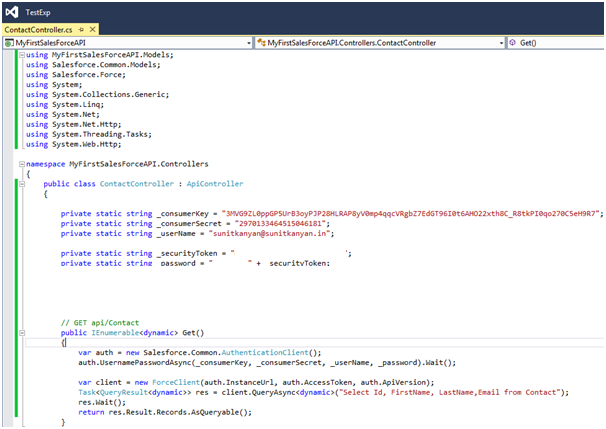
Creating custom object and consuming in webapi
There are numbers of standard objects in Sales force. Depending on the requirement, sometime we might require to create some custom objects in sales force.
This article is all about "how we can create the custom objects in sales force and how we can consume them in asp.net webapi"
This article is all about "how we can create the custom objects in sales force and how we can consume them in asp.net webapi"
Custom Object: -
Custom objects are database tables that allow you to store data specific to your organisation in Salesforce. You can use custom objects to extend Salesforce functionality or to build new application functionality.
Once you have created a custom object, you can create a custom tab, custom related lists, reports, and dashboards for users to interact with the custom object data. You can also access custom object data through the Force.com API.
Creating Custom Object:-
Sign-in in force.com
Move to [SetUp] >> Build >> Create >> Objects and click on "New Custom Object"
provide required details and choose from optional permission handing (i.e. enable note on record etc..) and click same

Custom objects named "MyCustomObject" is ready. You can note down the API Name for cutom objects as it will be required while querying on this objects from api.
Only following standard fields created when custom object get created
- CreatedBy
- LastModifyBy
- Name
- Owner


Creating Custom fields:-
We had added new custom objects but that does have only standard fields yet but we require fields to store data. The user defined fields on a custom objected termed as custom fields in sales force. It is very easy to create simple field or look up field.
[Custom Fields & Relationship] >> [New]
Same we create a field/column in db, we have information
- what type of column it would be
- what type on constraint can be applied on it
- what will be length of column
- it is be a look up column
very similar way sales force is asking detail while creating custom fields.because at the end it will be column in sales force db somewhere.
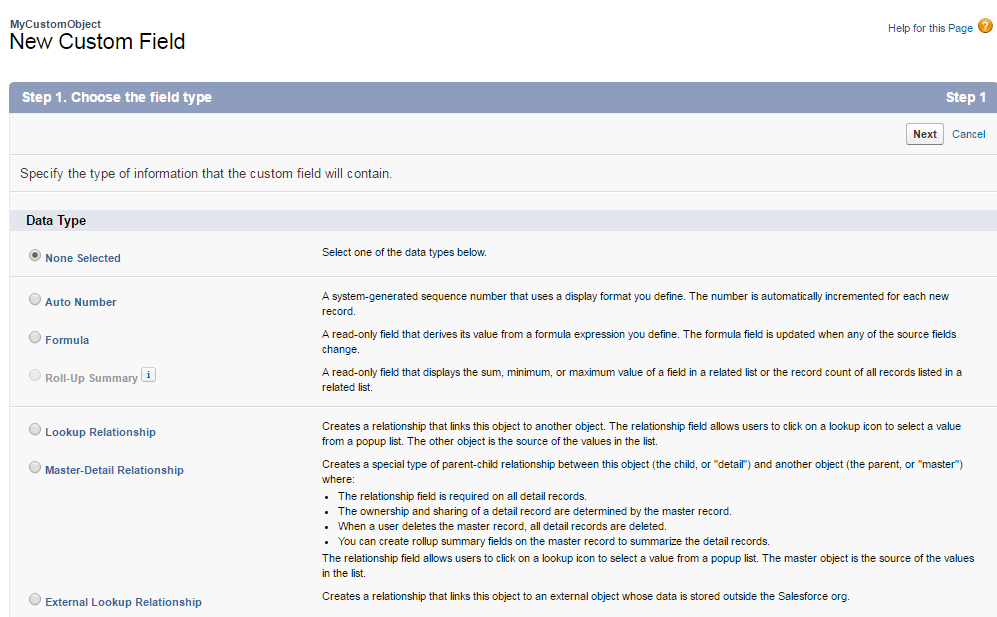

Choose data type and click next.

Set field level security in step 3 and last step show basis detail of field , can set page layout.

View all Custom Objects:-
[SetUp] >> Build >> Create >> Objects

Performing read on custom object from web api:-
Code to access:-
namespace MyFirstSalesForceAPI.Controllers
{
public class CustomSalesForceObjController : ApiController
{
private static string _consumerKey = "3MVG9ZL0ppGP5UrB3oyPJP28HLRAP8yV0mp4qqcVRgbZ7EdGT96I0t6AHO22xth8C_R8tkPI0qo270C5eH9R7";//your consumer key
private static string _consumerSecret = "2970133464515046181";//your key secret
private static string _userName = "sunitkanyan@sunitkanyan.in";
private static string _securityToken = "N2fwK2ZEZBwH0blYMm4zYQptP";//your securitytoken
private static string _password = "YourPassword" + _securityToken;
// GET api/CustomObject/objectName
[HttpGet]
public IEnumerable<dynamic> Get()
{
var auth = new Salesforce.Common.AuthenticationClient();
auth.UsernamePasswordAsync(_consumerKey, _consumerSecret, _userName, _password).Wait();
var client = new ForceClient(auth.InstanceUrl, auth.AccessToken, auth.ApiVersion);
Task<QueryResult<dynamic>> res = client.QueryAsync<dynamic>("Select Id,Name,MyFSFApp__Email__c, MyFSFApp__Mobile__c from MyFSFApp__Student__c");
res.Wait();
return res.Result.Records.AsQueryable();
}
}
}
Result
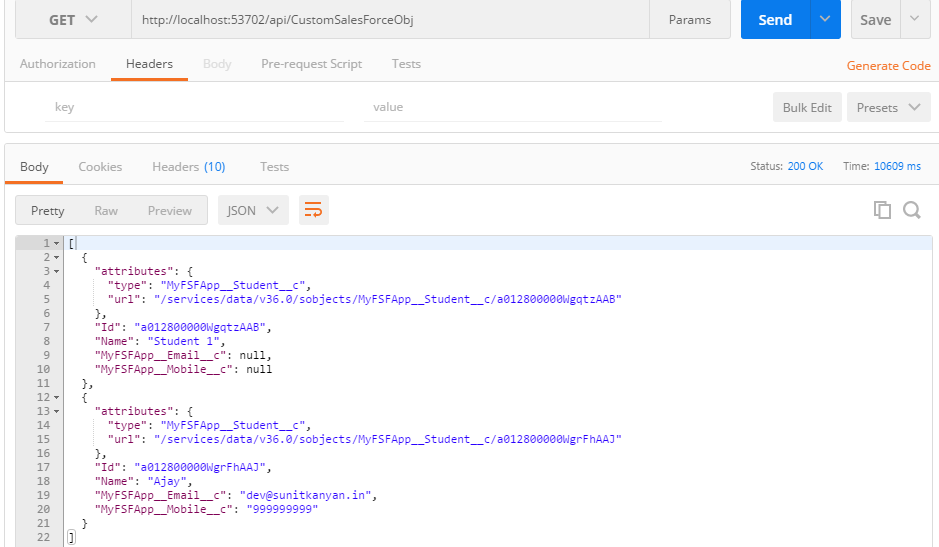
View in sales force

~
Technocrats